->RFSSKEY USER MANUAL<-
->RFSSKEYCOMBO USER MANUAL<-
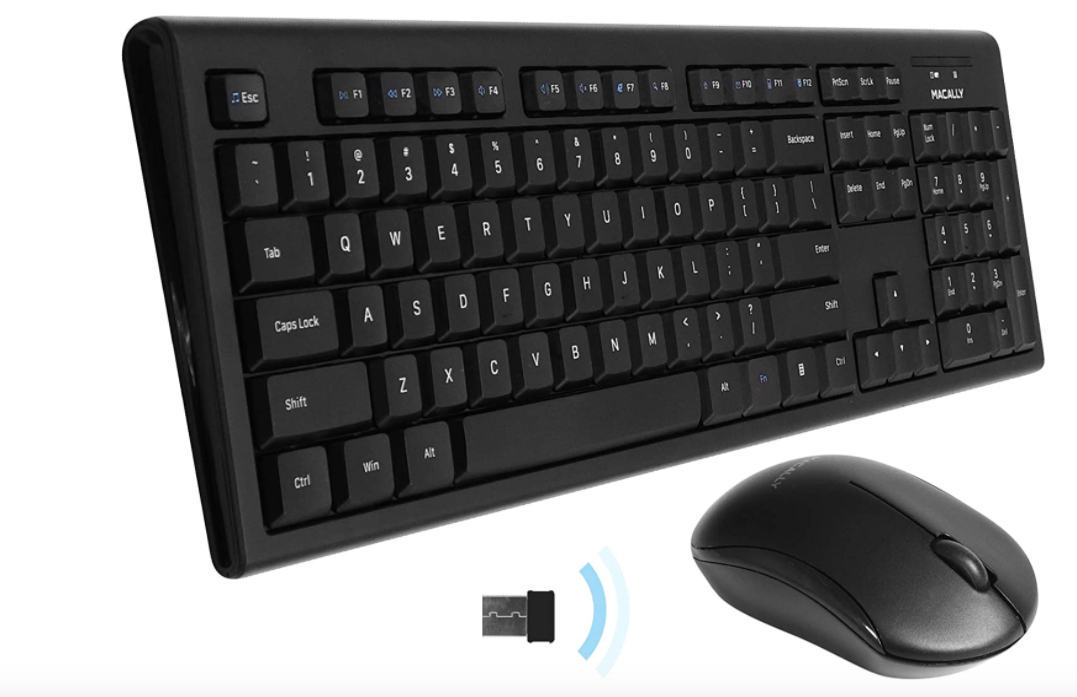
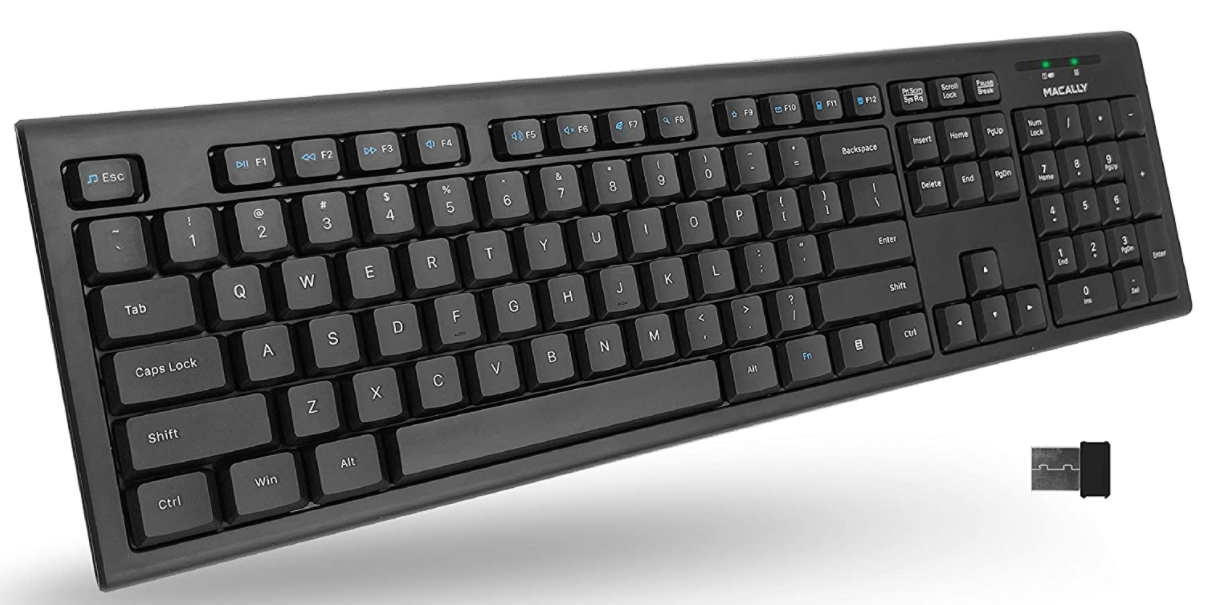
Q: Is this a Bluetooth Keyboard?
A: No, this series runs on radio frequency (RF). This keyboard (or bundle) will not function without the receiver/dongle.
Q: What does a dongle look like?
A: Here is the picture of the dongle:

Q: Where is the dongle located?
A: It should be in a Ziplock bag taped to the keyboard.
The keyboard stopped working
Method 1: Swap the AAA battery.
Method 2: Re-sync the keyboard with the dongle/receiver (Directions Below)
- Unplug the USB RF dongle from the computer and take the battery out of the RFSSKEY.
- Put the battery in first.
- Plug the dongle into the computer.
- The RF dongle and the RFSSKEY should be synced automatically.
- If the keyboard does not work please try steps 1-4 again.
For RFSSKEYCOMBO'S MOUSE
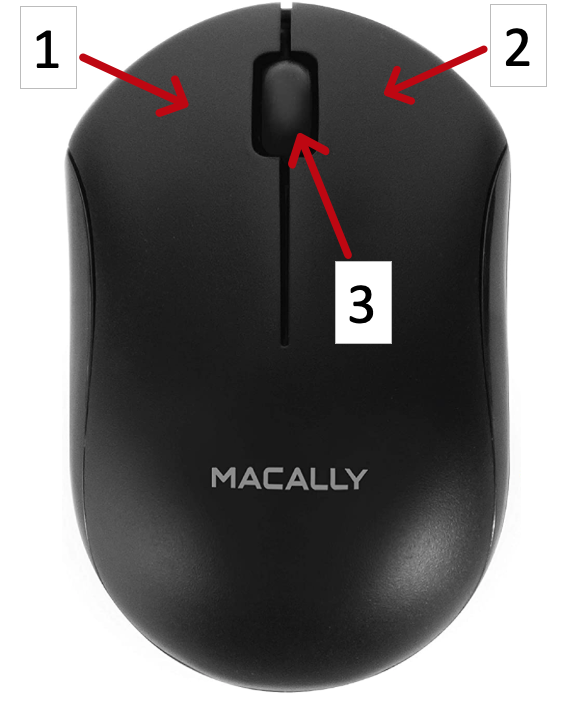
Question 9: What are the three buttons?
- Left mouse button
- Right mouse button
- Scroll Wheel (Press down to click)
The mouse has stopped working
Method 1: Swap the AAA battery.
Method 2: Re-sync the mouse (Directions below)
- Unplug the USB RF dongle from the computer and take the battery out of the RFQMOUSEB.
- Put the battery in first.
- Plug the dongle into the computer.
- The RF dongle and the RFQMOUSEB should be synced automatically.
- If the keyboard does not work please try steps 1-4 again.