RFJJKEY/RFJJKEYCOMBO (kb + mouse)
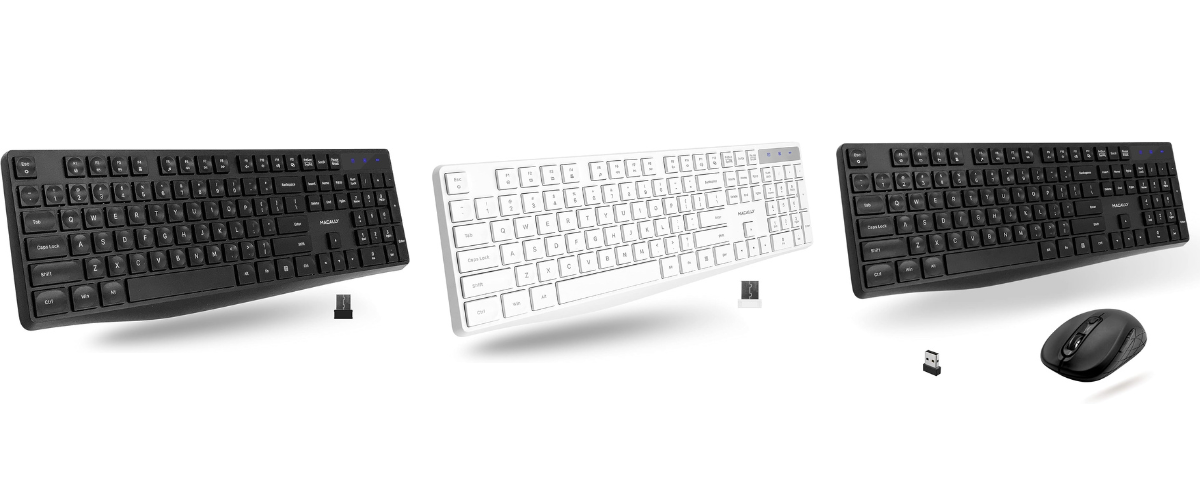
->RFJJKEY USER MANUAL<-
->RFJJKEYCOMBO USER MANUAL<-
My keyboard has stopped working
Take the dongle out of the USB port and take the battery out of the keyboard.
Insert the dongle into your computer's USB port.
Put the batteries into the keyboard then immediately press and hold the ESC key and keep pressing the K key repeatedly for 3-5 seconds.
The keyboard should work after this is completed. If not try resyncing again.
My mouse has stopped working
Insert the dongle into your computer's USB port.
Put the batteries into the mouse and keep the mouse close to the dongle.
Then press and hold the scroll wheel and right-click button simultaneously for 5 seconds.
The mouse should work after this is completed. If not try resyncing again.