Q & A:
Q: Is this a Bluetooth Keyboard?
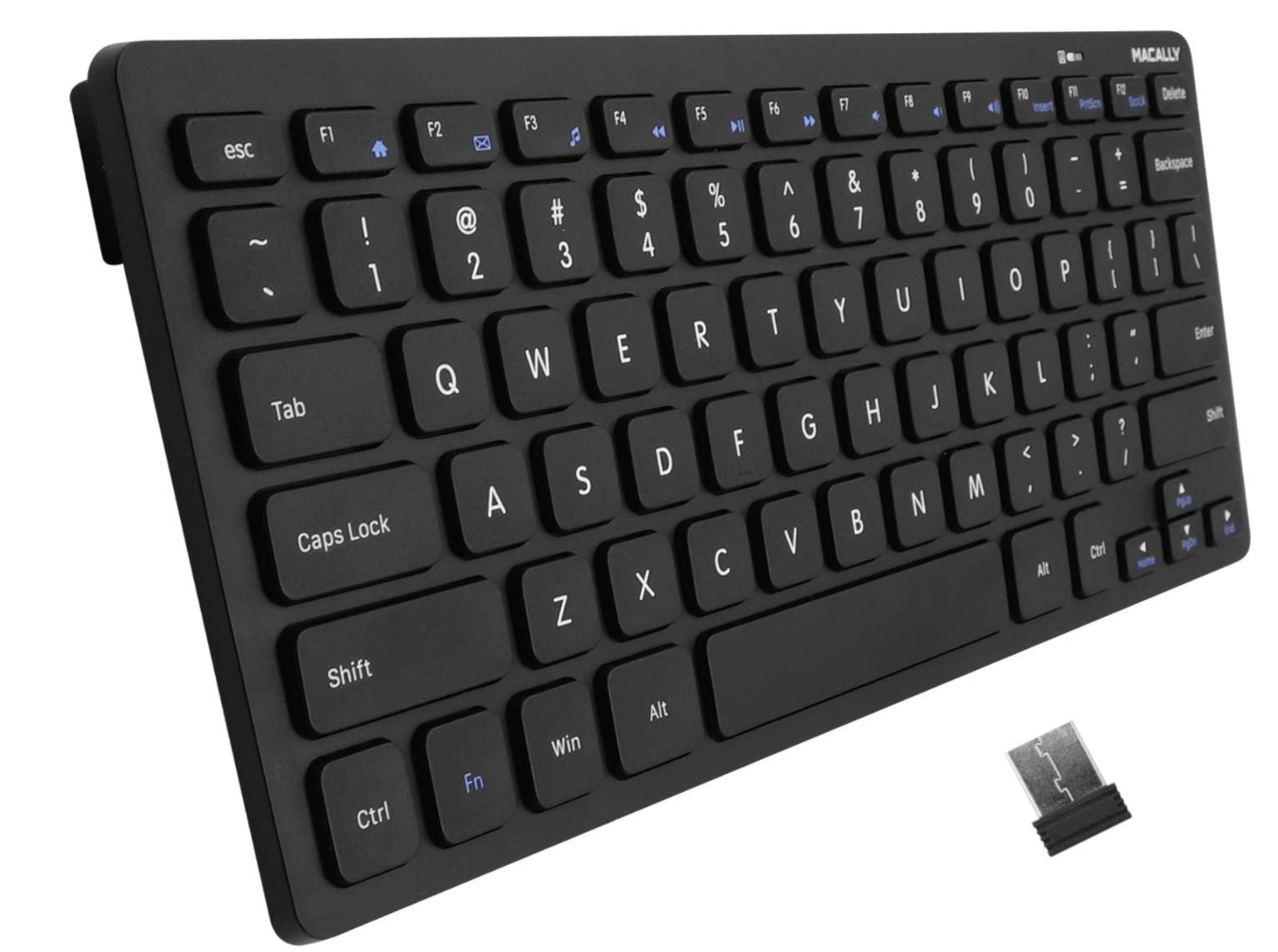
A: No, this series runs on radio frequency (RF). This keyboard (or bundle) will not function without the receiver/dongle.
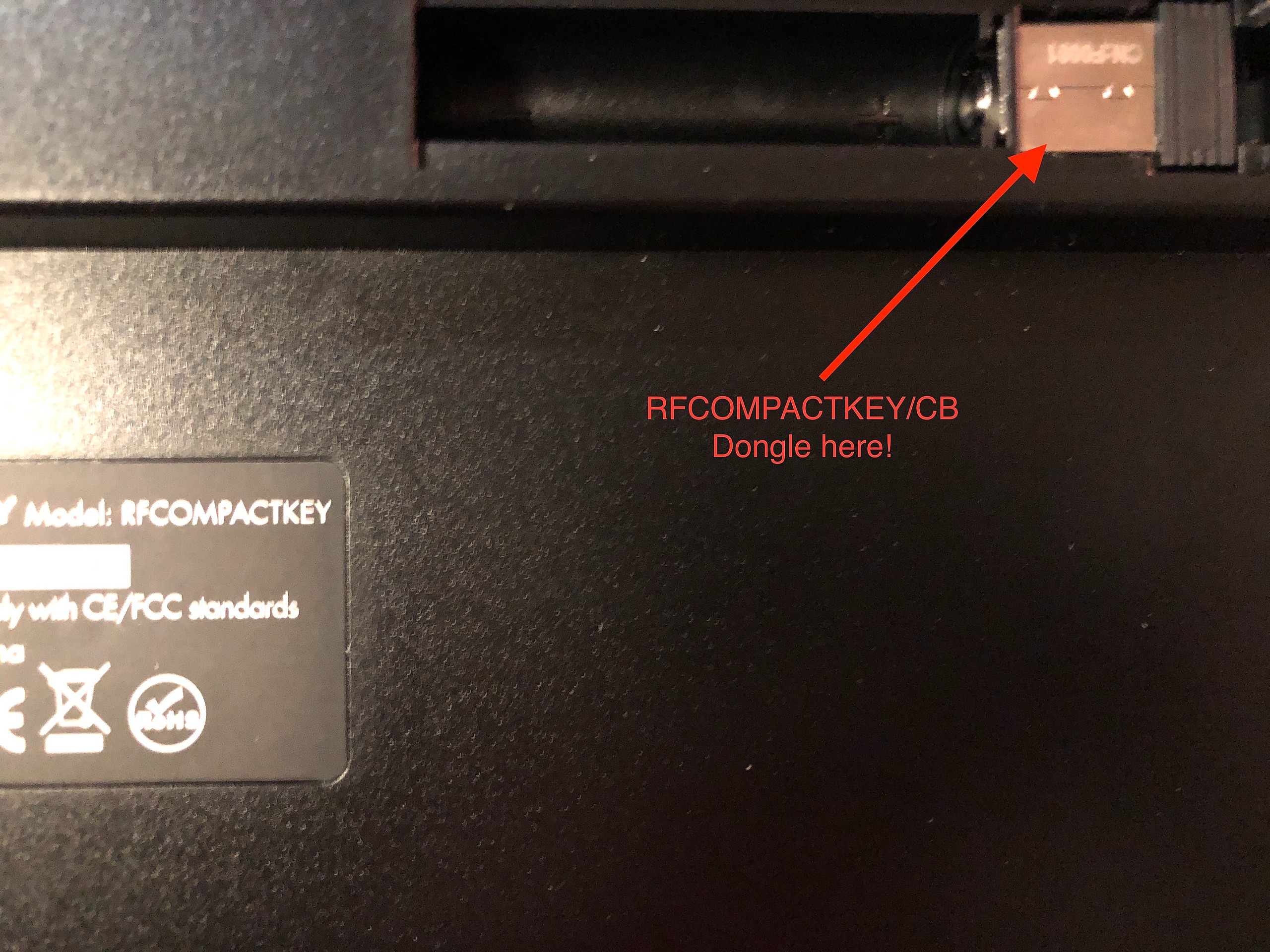
Q: Where is the dongle located?
A: It should be in the battery compartment. If not, then it will be in a Ziplock bag taped to the keyboard.

The keyboard has stopped working
Method 1: Swap the AAA battery.
Method 2: Re-sync the keyboard with the dongle/receiver (Directions Below)
- Switch off the keyboard in On/Off switch; unplug USB receiver dongle
- Place keyboard very close to PC’s USB port
- Switch on the keyboard, immediately press ESC and Q keys simultaneously, the red LED stays flashing
- Immediately plug USB receiver dongle into PC’s USB port close to the keyboard
- Once the keyboard finds and syncs with the USB receiver dongle successfully, a red LED will flash slowly 3 times and turn off
- Test the keyboard if it fails to please steps 1-5 again
The mouse has stopped working
Method 1: Swap the AAA battery.
Method 2: Re-sync the mouse (Directions below)
- Unplug the USB RF dongle from the computer and take the battery out of the RFDYNAMOUSEB.
- Put the battery in first.
- Press and hold the right mouse button and the scroll wheel for three to five seconds.
- The light in the serial number area should blink.
- Plug the dongle into the computer.
- If the mouse does not work please try steps 1-4 again.
- Left mouse button
- Right mouse button
- Scroll Wheel (Press down to click)